 SceneCraftOpen studio ↗
AI image generator.
From your words.
SceneCraft is an online AI image generator for turning a written scene into a picture. Describe a subject, choose the light and mood, then use the web studio to create an image and revisit it in your private library.
Open AI image studioSign-in and web credits are required to generate. Check live availability in the studio.
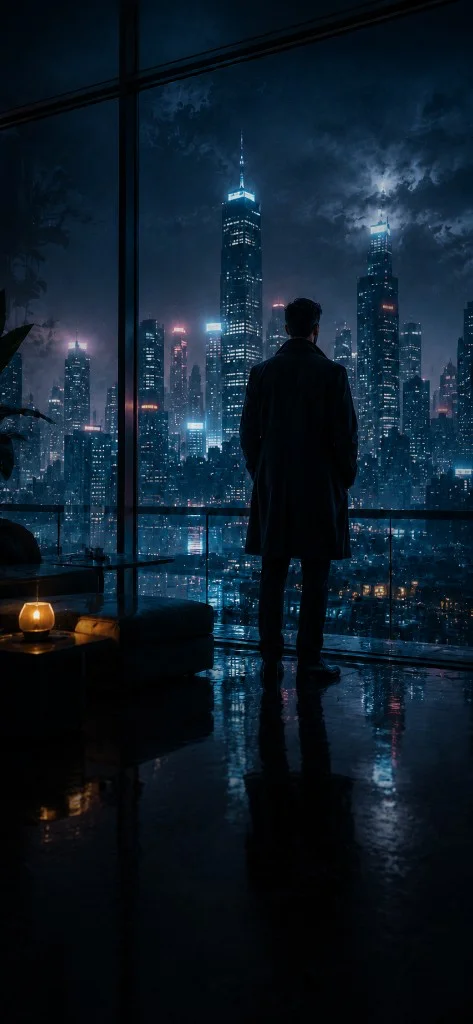
How to generate an image from text
- Describe the image. Start with a subject, setting and visual style. Add lighting and composition rather than a long list of unrelated ideas.
- Choose your framing. Select an available model, resolution and aspect ratio. A square works for a study; a landscape or portrait frame changes the composition.
- Review, generate and refine. Sign in, check the credit quote and submit. Review the result in your library, then adjust your prompt for a new generation if needed.
A prompt to start from
A small observatory on a rocky island at blue hour, warm light in the windows, calm sea, wide cinematic composition, soft atmospheric haze.
This prompt separates the subject, environment, lighting and framing. Change one of those elements at a time to explore a different direction. It is a writing example, not a promise of a particular output.
Models, settings and limits
Current image model: Qwen Image 3.0, Qwen Image 3.0 Pro, Seedream 4.5. Models labeled Preview are not yet available for generation. Check the studio for the current selection.
Qwen Image 3.0 offers 2K resolution and 1:1 / 16:9 / 9:16 framing. Qwen Image 3.0 Pro offers 1K / 2K resolution and 1:1 / 16:9 / 9:16 framing. Seedream 4.5 offers 2K resolution and 1:1 / 16:9 / 9:16 framing. Reference editing supports up to 14 images with Seedream 4.5 or 3 images with Qwen Image 3.0 / Pro. Each additional image adds 2 credits. Check the studio quote and availability.
What does an image cost?
A Qwen Image 3.0 2K image uses 7 credits with these settings. Changing the model or resolution can change the cost. The studio shows the quote before submission.
| Model | Resolution | Credits per task |
|---|---|---|
| Qwen Image 3.0 | 2K | 7 |
| Qwen Image 3.0 Pro | 1K | 10 |
| Qwen Image 3.0 Pro | 2K | 18 |
| Seedream 4.5 | 2K | 10 |
Credit packs are one-time purchases, starting at $9.99 USD for 500 credits. Compare packs and generation examples.
Need a more specific starting point? Explore three image prompt examples and open one in the studio.
Before you create
Can I use an image as a reference?
Seedream 4.5 supports up to 14 reference images; Qwen Image 3.0 and Pro support up to 3. Inputs are ordered. Each additional image adds 2 processing credits; review the final quote before submission.
Are my creations public?
Your saved library is private by default. Prompts and media are processed to provide generation and private delivery. See the privacy notice and storage and deletion policy for access and retention details.
What happens if generation fails?
Accepted tasks reserve credits. When a task is confirmed to have failed, the reserved credits are returned once. An uncertain provider outcome remains under review until reconciled. This is separate from a refund of a credit-pack purchase.
Can I use the output commercially?
Usage depends on the selected model terms, your rights to the inputs and applicable law. SceneCraft does not promise exclusive copyright or unrestricted commercial rights. Read the service terms before using an output.