 SceneCraft
SAME YOU. NEW POSSIBILITIES.
Find a new angle.
Keep your point of view.
Change the setting. Explore a style. Try a creative template. Take an ordinary photo somewhere unexpected with SceneCraft.
Available on the App Store · In-app purchases
SCENECRAFT / SELECTED VISUALSVOL. 01
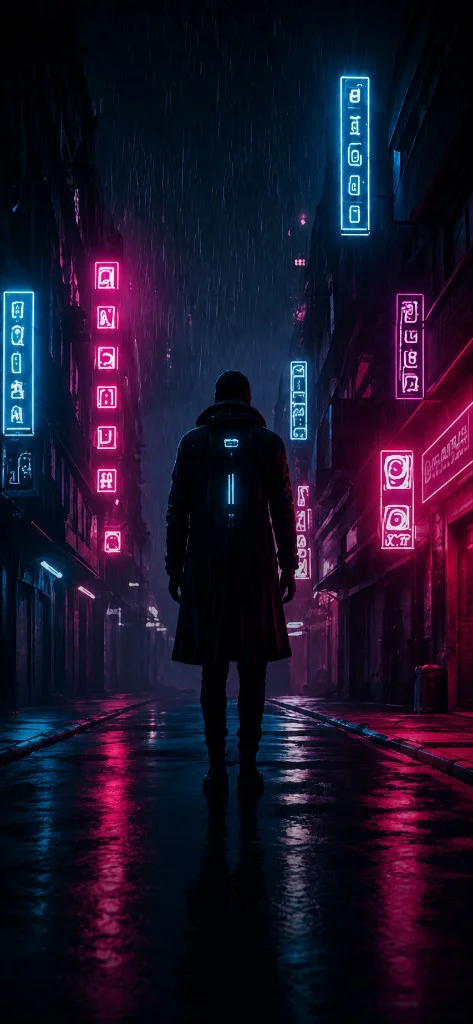
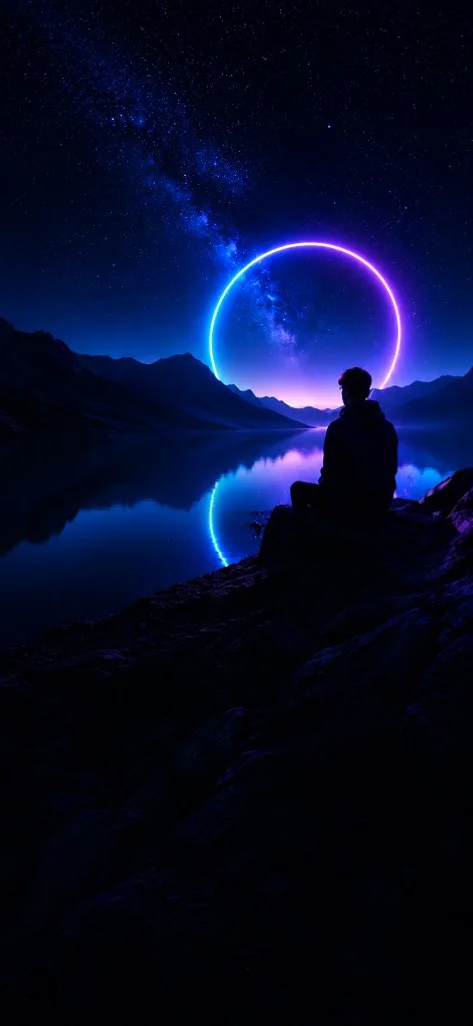
SceneCraft visual inspirationSC / 001
Your photos, reimaginedYour ideas, in motionYour own creative direction
THE INSPIRATION ROOM
Your mood. Your next creation.
A little direction goes a long way. Pick what speaks to you.
A different kind of you
Somewhere beyond ordinary
After the city falls asleep
The main character moment
Build a world of your own
Visual inspiration from SceneCraft’s artwork. Sample prompts are starting points; generated results will vary.
ONE APP. MORE POSSIBILITIES.
From “what if”
to look at this.
Follow the idea, wherever it takes you. Start with a photo, write a prompt, or explore a creative template in SceneCraft.
Give your photos a next scene.
Turn a still photo into an AI video. Describe the movement, atmosphere, or moment you want to create.
Explore AI videoMake room for your imagination.
Create images from your ideas. Explore cinematic worlds, expressive portraits, and a different point of view.
Explore AI imagesFind a style that feels like you.
Try creative effects and image transformations. Use a template as a starting point and bring your own perspective.
Explore creative effectsLESS EDITING. MORE CREATING.
Big ideas. Small learning curve.
Start with a spark.
Bring your own photo, describe an idea, or choose a template in the app.
Make it your own.
Choose your creative direction and review the settings and credit cost before generating.
Let it out into the world.
Preview your creation, save it, and share it wherever your story belongs.
GOOD TO KNOW
Curious? Start here.
What can I make with SceneCraft?
SceneCraft is an AI photo and video creation app. You can turn photos into videos, create images and video scenes from prompts, and explore creative effects and templates. Available options are shown in the app.
How do the personalized recommendations work?
Choose Cinematic, Portraits, or Dream worlds to filter the inspiration gallery. Your preference is saved locally in this browser. These are curated recommendations based on your choice, not behavioral tracking or AI analysis.
Can I generate a video on this website?
Creation happens in the SceneCraft app. This website helps you discover ideas and copy sample prompts. Download the app, add your photo or prompt, and review the generation options there.
Is SceneCraft free to download?
SceneCraft is available to download on the App Store and offers in-app purchases. Generation may require credits or a subscription. Check current pricing, credit costs, and subscription terms in the app before purchasing.
Where can I get SceneCraft?
Use the App Store link on this page to find SceneCraft for iPhone. Device compatibility and regional availability are listed on the App Store.
How are my photos and prompts handled?
The website’s inspiration filters do not upload your photos or prompts. In the app, generation requires processing your selected media and prompt. Review the Privacy Policy and the app’s consent screen for details.
THIS IS YOUR CUE.
Your next scene
is yours to create.
A photo. An idea. A little curiosity. That’s all it takes to begin.
Download for iPhoneAvailable on the App Store · In-app purchases